
Create your account and confirm your email
For: Everyone
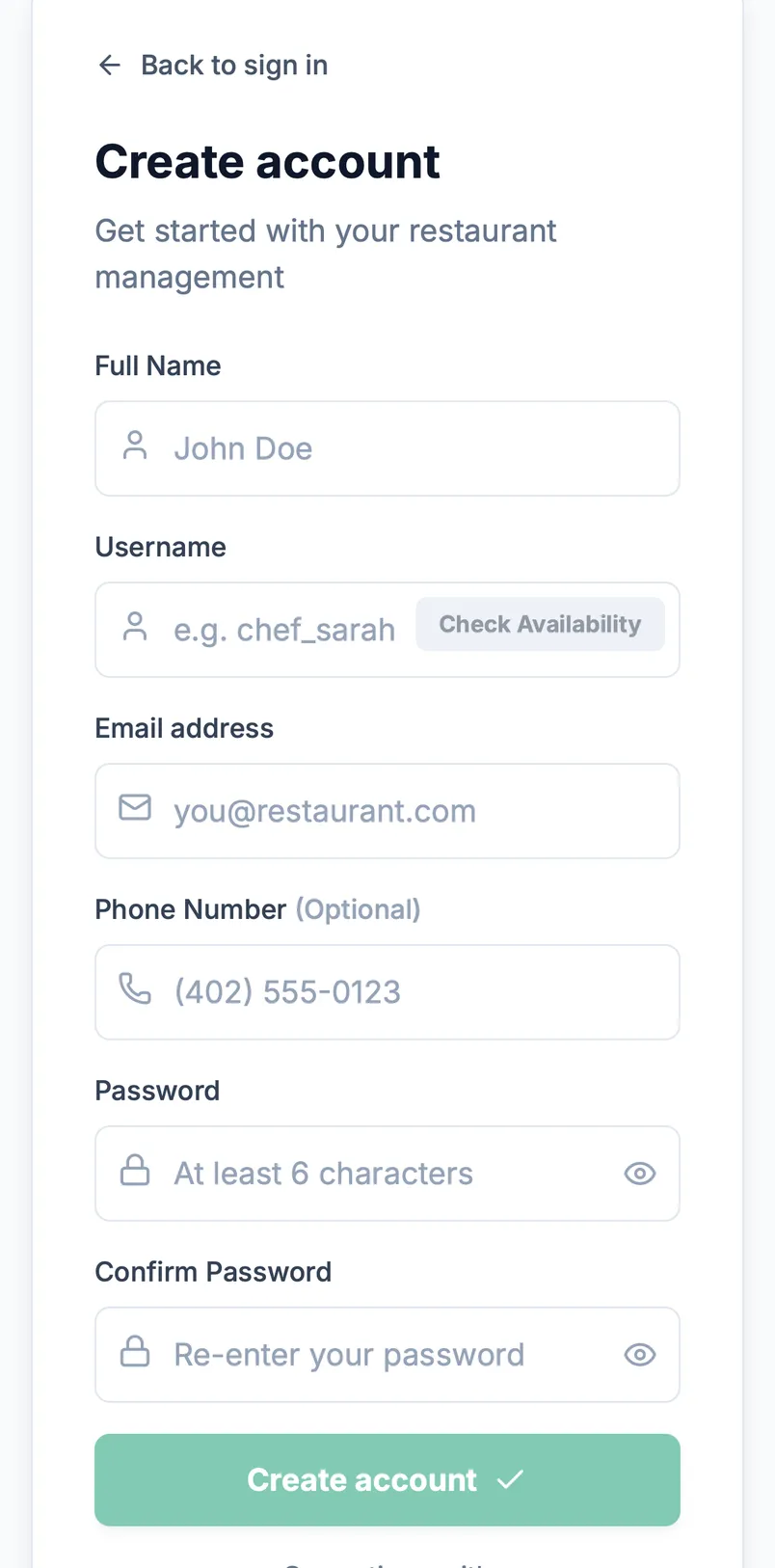
Go to vendor.omahafoodie.com, choose to create an account, fill in six fields or sign up with Google, then type in the code we email you.
What you need
Section titled “What you need”An email address you can open right now. We send a code to it.
- Open vendor.omahafoodie.com/signup.
- Fill in Full Name, Username, Email address, Password and Confirm Password. Phone Number is optional. Your password needs at least 6 characters.
- Tap Check Availability next to the username to make sure nobody has it.
- Tap Create account. Or skip the form and tap Sign up with Google.
- On the Verify your email screen, type in the code from the email we sent and tap Verify. No email? Tap Resend Code.
What happens next
Section titled “What happens next”You land on a welcome screen that asks whether your business is already listed. See Claim your listing, or add your business.
Didn't find your answer? Email hello@omahafoodie.com. A person in Omaha writes back.