
Setting up your shop, start to finish
For: Makers
Five things have to be in place before a customer can order from you. Your address, payouts, the Market terms, at least one listed item, and a pickup spot with pickup hours.
The five things
Section titled “The five things”| What | Where in the portal | Help page | |
|---|---|---|---|
| 1 | Your address | Store Profile | Fill in your store profile |
| 2 | Payouts | Sell online, step 1 | Set up payouts with Stripe |
| 3 | The Market terms | Sell online, step 2 | Read them on screen, then accept |
| 4 | Items to sell | Sell online, step 3 | Choose what to sell |
| 5 | A pickup spot and hours | Pickup | Add a pickup spot |
Only an Owner or a General Manager can do steps 2 to 5.
Starting
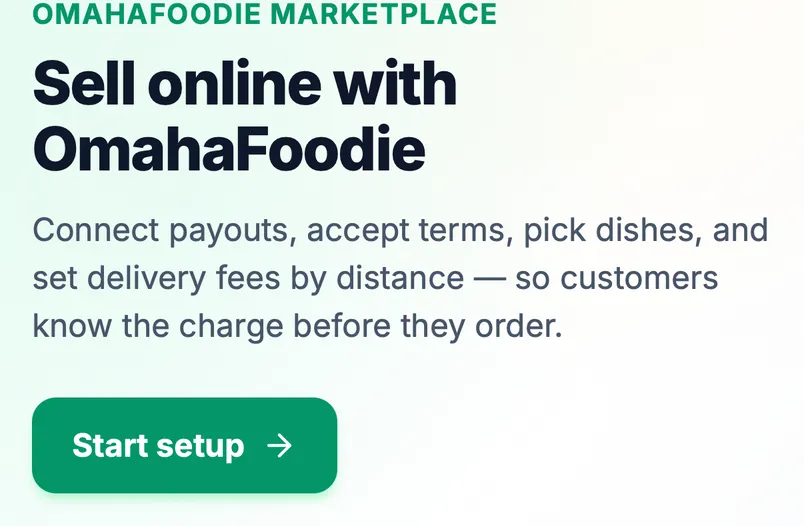
Section titled “Starting”Open Sell online and tap Start setup. The screen walks you through four steps and shows which one you’re on.
About the fourth step, “Delivery”
Section titled “About the fourth step, “Delivery””The setup’s last step asks for delivery fees. You don’t have to deliver, and customers ordering on the web can only choose pickup today. Your pickup spot and hours are what matter. Set them on the Pickup screen. See Delivery.
Have these ready
Section titled “Have these ready”- Your bank account details, for Stripe.
- The days and hours you want customers to pick up.
- A few good photos of what you sell.
If something won’t go through
Section titled “If something won’t go through”See Why can’t I list this item?
Didn't find your answer? Email hello@omahafoodie.com. A person in Omaha writes back.