
Fill in your store profile
For: Everyone
Store Profile holds what people see about your business. Your name, kind of business, address, hours and photos. Fill it in first, because a maker can't sell until the address is there.
What’s on the screen
Section titled “What’s on the screen”| Section | What you enter |
|---|---|
| Identity | Your business name, what kind of vendor you are, and your cuisine |
| Location & Contact | Address, city, state, ZIP, neighborhood, phone, and optional website and Facebook links |
| Operations | Your hours, typed the way you want them shown, for example “Mon-Sat: 11am-9pm” |
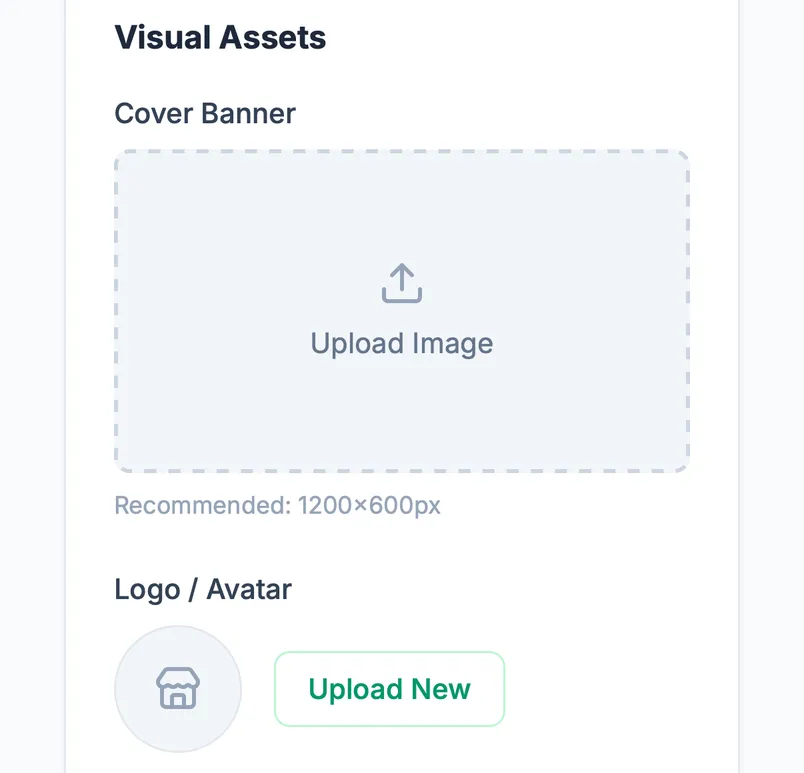
| Visual Assets | A cover banner and a logo |
When you’re done, tap Save Changes at the top.
Your address
Section titled “Your address”The address places your pin on the map. A maker also needs it before selling: without it, the portal shows “Add your restaurant location on Store profile before selling online.”
If you sell from home, your street address is not shown to customers before they pay. See Will customers see my home address?
Photos
Section titled “Photos”- Cover banner: the portal recommends 1200 by 600 pixels. Use a photo of your best item.
- Logo: your logo, or a clear photo if you don’t have one.
Didn't find your answer? Email hello@omahafoodie.com. A person in Omaha writes back.