
The life of an order, step by step
For: Makers
The customer orders and pays. You accept, make it, mark it ready, and hand it over using a 4-digit code. Your money is ready 48 hours after pickup.
Step by step
Section titled “Step by step”| What happens | Who | Status on your Orders screen | |
|---|---|---|---|
| 1 | The customer picks items, a pickup spot and a pickup window, and pays | Customer | Paid |
| 2 | You accept the order, or reject it if you can’t make it | You | Accepted |
| 3 | You start making it and tap Start preparing | You | Preparing |
| 4 | It’s done. You tap Mark ready | You | Ready for pickup |
| 5 | The customer arrives and shows a 4-digit code. You tap Picked up and type it in | Both | Confirmed |
| 6 | 48 hours later the money is available in your Wallet |
What the customer sees
Section titled “What the customer sees”Each time you change the status, the customer’s order in the app shows the new step.
Where to look
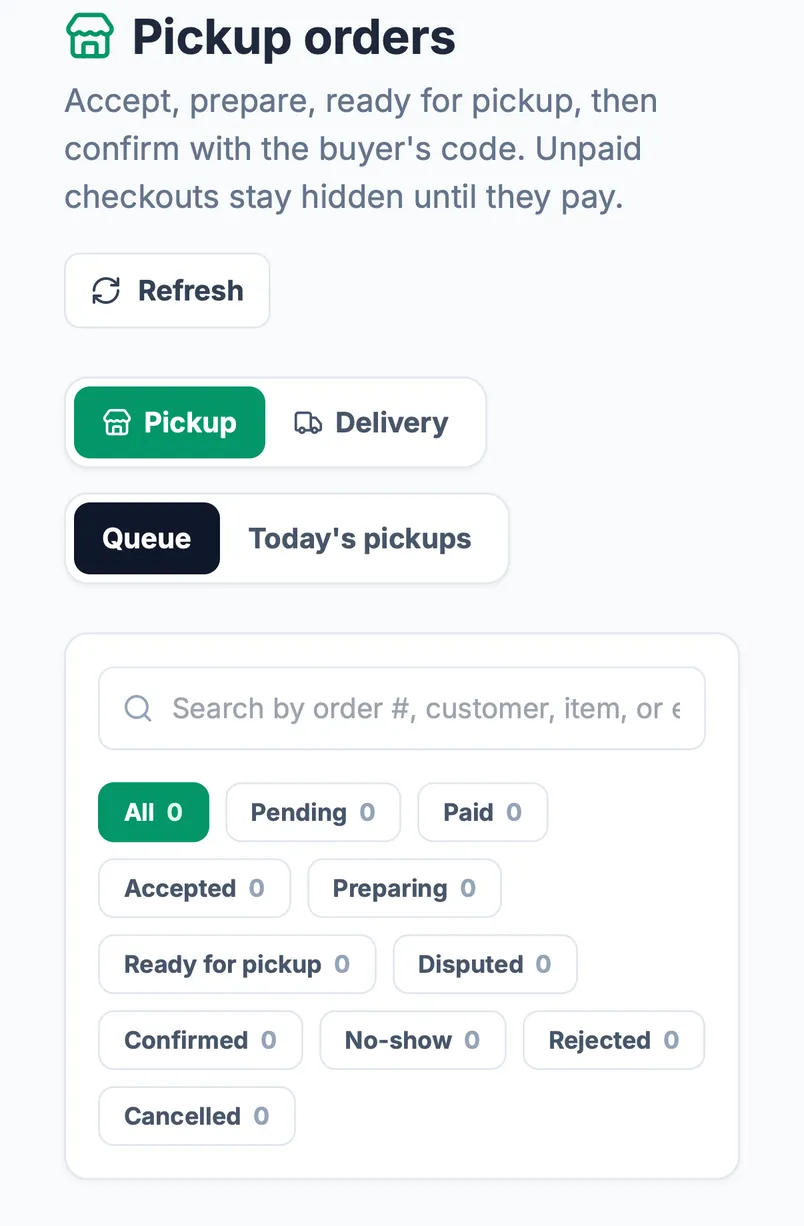
Section titled “Where to look”Everything happens on the Orders screen. It refreshes on its own while it’s open.
More on each step
Section titled “More on each step”- Accept or reject a paid order
- Mark an order Preparing and Ready
- Handing over: the pickup code
- From pickup to your bank
Didn't find your answer? Email hello@omahafoodie.com. A person in Omaha writes back.