
Set up payouts with Stripe
For: Makers
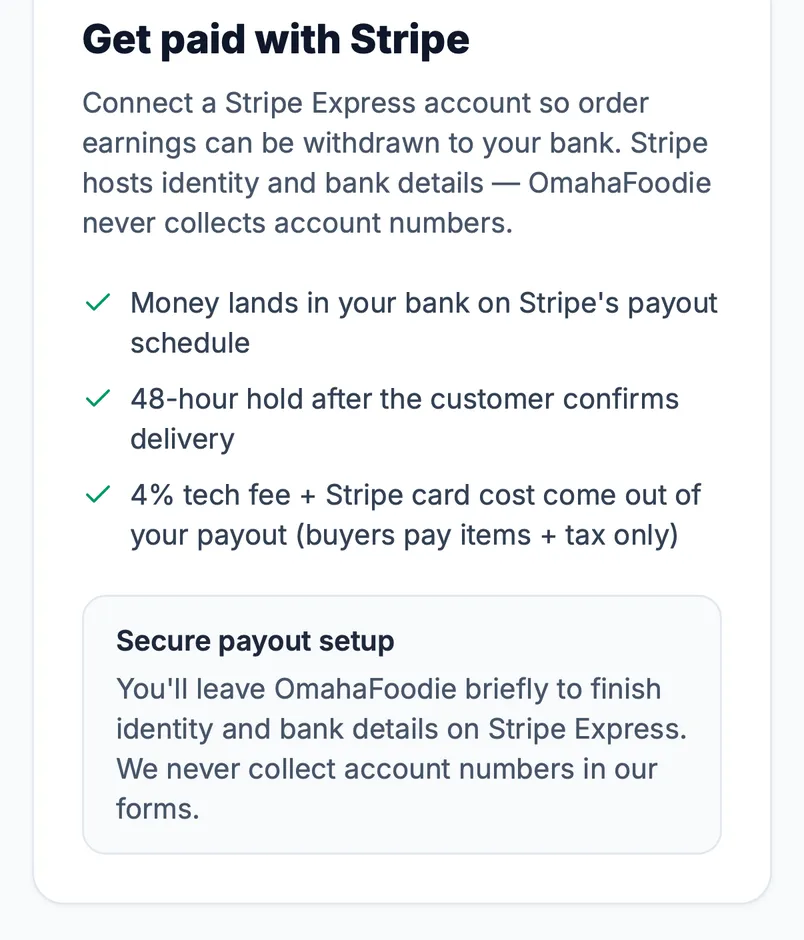
Stripe is the payment company that holds your earnings and sends them to your bank. You connect it once, on Stripe's own secure page. OmahaFoodie never sees or stores your bank account numbers.
- Open Sell online. On step 1, Payouts, tap Connect with Stripe.
- You leave OmahaFoodie for a few minutes. Stripe asks who you are and where to send your money. Answer on Stripe’s page.
- When Stripe sends you back, the step shows Stripe payouts enabled.
If it says “Details submitted — waiting on Stripe”
Section titled “If it says “Details submitted — waiting on Stripe””Stripe is still checking your details. This usually finishes quickly. Tap Refresh status. If Stripe needs something more, tap Continue on Stripe.
Who can do this
Section titled “Who can do this”An Owner or a General Manager.
Good to know
Section titled “Good to know”- The kind of Stripe account used here is called Stripe Express. You get your own Stripe page showing your payout history.
- You can’t withdraw from your Wallet until this step is finished. See Why can’t I withdraw?
Didn't find your answer? Email hello@omahafoodie.com. A person in Omaha writes back.