
Why can't I list this item?
For: Makers
The portal stops an item going on the Market when something is missing, and it tells you what. Find the message you're seeing below.
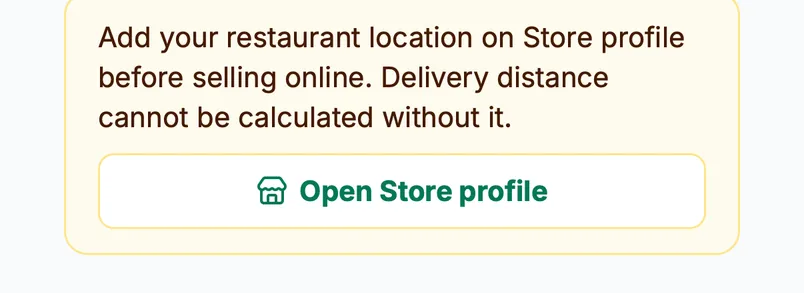
“Add your restaurant location on Store profile before selling online”
Section titled ““Add your restaurant location on Store profile before selling online””Your address is missing. Open Store Profile, fill in Location & Contact, and tap Save Changes.
“Complete Stripe payout setup before publishing to the marketplace”
Section titled ““Complete Stripe payout setup before publishing to the marketplace””Payouts aren’t finished. See Set up payouts with Stripe.
“Accept marketplace terms before publishing dishes online”
Section titled ““Accept marketplace terms before publishing dishes online””Open Sell online and accept the terms at step 2. An Owner or a General Manager has to do this.
“Restaurant is not live”
Section titled ““Restaurant is not live””Your page isn’t visible to customers yet. Accepting the Market terms on Sell online turns it on.
“Marketplace is closed. Reopen Sell online to accept orders again.”
Section titled ““Marketplace is closed. Reopen Sell online to accept orders again.””Your shop is closed. Open Sell online and tap Reopen marketplace. See Close your shop for a break, and reopen.
“Choose a tax category and answer both sales tax questions before listing this item”
Section titled ““Choose a tax category and answer both sales tax questions before listing this item””Open the item on Menu. Under Sales tax, choose a category and answer the two yes-or-no questions.
“Candy and fudge aren’t available on the Market yet”
Section titled ““Candy and fudge aren’t available on the Market yet””Candy and fudge can’t be listed for now. The item can stay on your menu.
Still stuck?
Section titled “Still stuck?”Ask us and tell us which message you see.
Didn't find your answer? Email hello@omahafoodie.com. A person in Omaha writes back.